A little guidance.
Then you’re rolling.
From a blank script to a video you can share.
Follow the steps on your Mac or
Windows PC.
Have your script ready, check your camera and microphone, and choose a quiet place to record.
Join the waitlist ↗Prepare your script.
Paste a script you already have or write a short one. Keep each paragraph focused on one idea and read the opening out loud before you record.
A script you can say comfortably is easier to follow than a paragraph written only to be read.
Choose your recording setup.
Choose screen, camera, or both for your recording. Prepare the window you want to show and check the camera and microphone you intend to use.
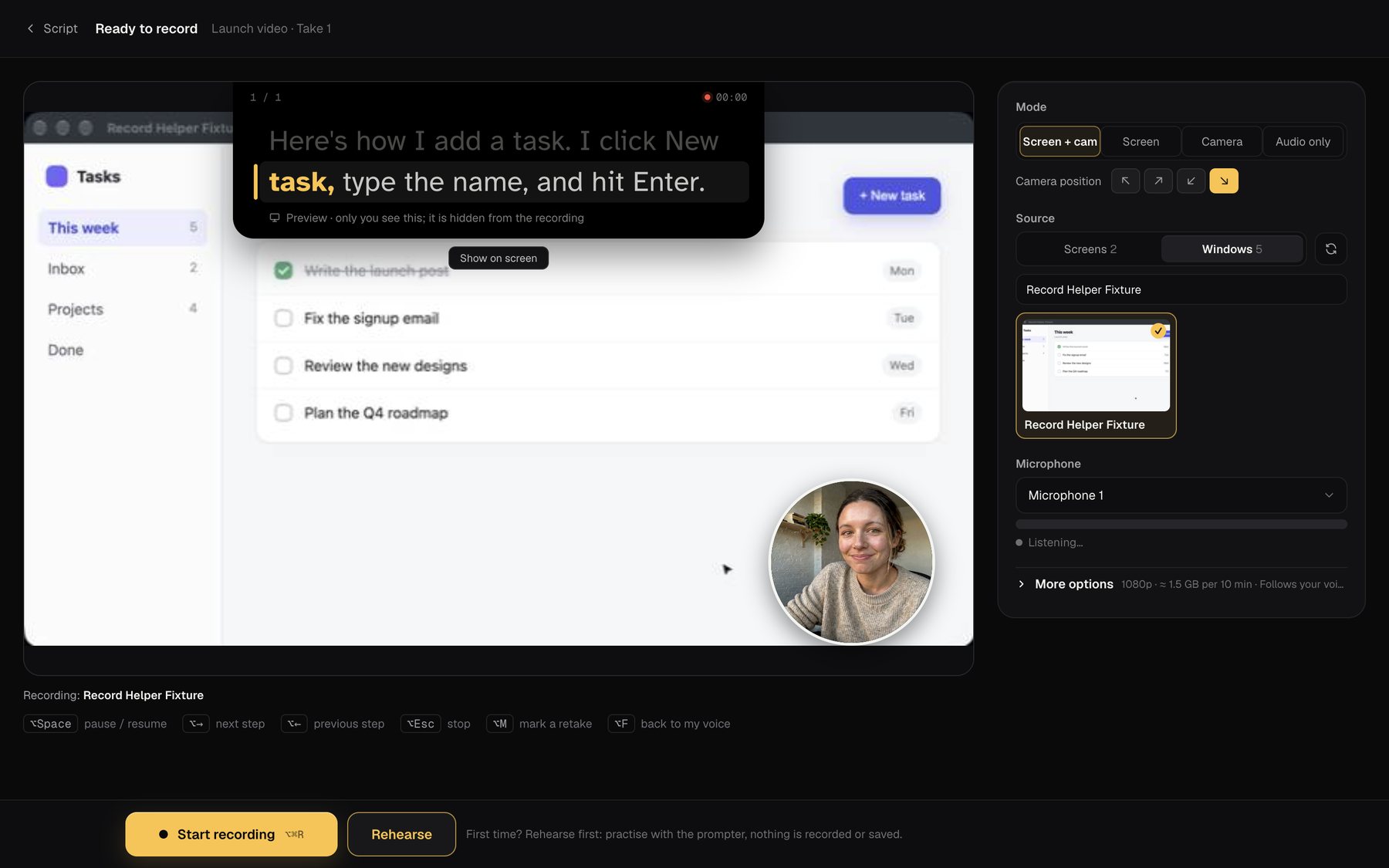
Make a test before filming anything long. Check that unrelated windows and private information are outside the recording area.
Put your words near the lens.
Place the teleprompter close to your camera. Adjust the text so you can read it comfortably, then speak a few lines to check the voice-scrolling pace.
Look toward the lens as you read. If a line is difficult to say, change the wording before starting the full take.
Make a short test take.
Record a few sentences, pause, then finish your thought. Play the clip back and check the picture, audio, and whether the script stays out of the final recording.
Adjust one thing at a time. A short test makes it easier to see what an adjustment actually changed.
Finish and review.
Record your full take, then review it. Trim the beginning and ending, check any captions you add, and export your finished MP4.
Watch the exported video once before sharing it. Check that the full message is there and that captions match what you said.
One step at a time.
0 of 5 steps checked.
A question along the way?
Search recording, script, and account answers.
Make the next take easier.
Explore practical notes from the recording room.